 Teleprompter Pro
How To Plan and Launch A Podcast Series in 8 Steps
From planning to publishing, our step-by-step guide shares how to create and launch your own podcast.
How To Plan and Launch A Podcast Series in 9 Steps
From planning to publishing, our step-by-step guide shares how to create and launch your own podcast.
Ever listened to a podcast and thought, ‘I could do that’, but stalled at the thought of microphones, scripting, and distribution? You wouldn’t be the first! Podcasts are continuing to grow in popularity, with an estimated 548+ million listeners worldwide. But as accessible as creating a podcast now is, you might not know where to start or how to go about launching your own.
The good news is that creating a podcast doesn’t require a recording studio, expensive equipment, or even any experience. From defining your niche to recording, editing, and publishing, this guide will walk you through the process of planning and launching a podcast in eight simple steps.
Plan your podcast concept
Before you hit record, you need a clear sense of what your podcast will be about and who it’s for. Develop your concept thoroughly now, so that you can save time and energy when it comes to scripting, recording, and editing.
Define your ‘why’ and ‘who’
Every great podcast can be summed up in a couple of sentences that explain what it’s about and who it’s for. Ask yourself why you want to create this show. Are you looking to build authority in your industry? Share knowledge about a topic that you care about? Connect with like-minded people? Make people laugh?
Create a mission statement that looks something like this:
“My podcast will help creative freelancers build their business and confidence by advising on everything from networking to negotiating”.
This statement will be your guiding light when it comes to brainstorming ideas, finding guests, and choosing where to promote your podcast.
Find your niche
Podcasting is booming, but that doesn’t mean every topic is completely saturated. As you might have guessed, launching a podcast takes a fair amount of groundwork. But once it’s live, growing your audience is often easier than building a following on social media.
The easiest way to stand out is by drilling down on a niche that you’re passionate about and that serves a specific audience. Listen to some existing shows within your niche and write down what they’re missing or what you could do differently. Brainstorm 5-10 episode titles to see if your idea would make a viable series.
If you struggle to think of ten ideas, your topic might be too broad. For example, instead ‘digital marketing’, narrow it down to topics like ‘SEO tips for service workers’ or ‘email marketing for food businesses’.
Pro tip: Find similar topics by checking the ‘People also ask’ section on a Google search. You can also use free tools like AnswerThePublic to find keywords and queries related to a search term or niche.
Identify your ideal listener
Picture the person you’re speaking to by asking questions like:
- How old are they?
- What’s their occupation?
- What problems or passions do they have?
- Where do they spend time online?
Creating a quick persona helps you tailor your tone and even the jargon you use. Forums like Reddit or Facebook Groups are excellent resources for building audience personas, as well as content ideas. Look for phrases like “How do I…” or “I don’t understand…”. Those questions can become episode ideas and help you speak directly to your audience and their issues!
Decide on your podcast’s format and structure
With your concept taking shape, now it’s time to choose a format and structure. Podcasting is a super flexible medium, and you can mix and match formats depending on the topic or your resources.
Formats
The most popular podcast formats include:
- Interview: Invite guests to share their expertise. This format is great for thought leadership and networking. It’s also one of the most popular formats due to its flexibility.
- Co-hosted conversation: You and a friend or colleague chat about a topic. This fosters national conversation and gives the podcast a more laid-back feel. We recommend no more than 2-3 people when choosing the co-hosted format to avoid too much talking over each other and longer editing times.
- Solo: One host delves into stories, tips, or analysis. This format demands strong storytelling, but it’s low-cost, easy to set up, and helps build a more intimate connection with listeners.
- Scripted: Audio dramas or documentary-style podcasts that can be fictional or non-fiction. This style is immersive and can be very impressive if you can get it right, but it’s also more labour-intensive to produce.
- Hybrid: Combine formats, such as solo analysis followed by an interview. Hybrid styles allow you to vary your content and can help keep your listeners engaged.
When choosing the best format for you, consider your strengths and how much time you’d like to commit. Interviews will require more coordination and editing, while solo episodes require good presenting skills and scriptwriting.
If you aren’t sure, take a hybrid approach in your first year of podcasting to see which works best for you.
Length and structure
There’s no one-size-fits-all duration for podcasts, but most listeners prefer episodes between 20-60 minutes. Aim for whatever length lets you cover the topic thoroughly (and no longer).
Trial both shorter and longer episodes in your first few releases and ask for feedback. The most important thing is to maintain a consistent structure so your audience knows what to expect. This usually consists of a short intro (music or a hook), your main content (interview or story), and an outro with calls to action.
Choose your podcast equipment
You don’t need to record in a professional studio to create a quality podcast. You can get by with a pretty modest setup as you get started, and upgrade as your show grows. The most important thing is capturing clean, clear audio, because it’s very hard to listen to poor sound quality.
What you’ll need:
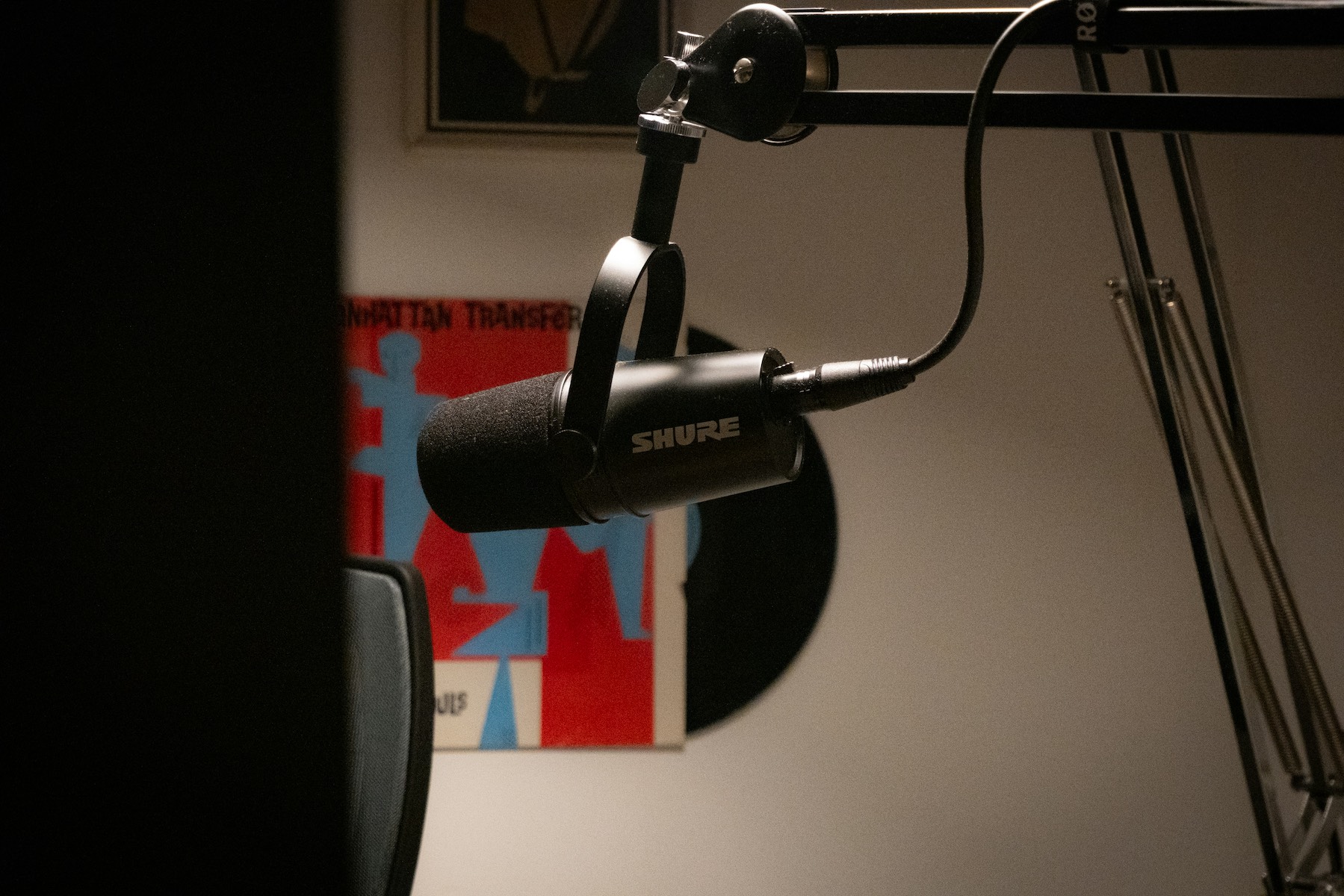
Microphone: If you’re going to spend money on one thing, make it your microphone. A good-quality USB or XLR mic will make a huge difference to your sound quality. Some budget-friendly models include the Samson Q2U Podcasting Pack or the Rode USB PodMic. Dynamic microphones are often preferred as they reduce background noise and room echo.
Audio interface (for XLR mics only): If you choose an XLR microphone, you’ll need an audio interface to connect it to your computer. Look for one with the right number of inputs for how many microphones you’ll be using. Popular startup options include the Behringer U-Phoria and the Focusrite Scarlett series.
Headphones: Choose closed-back headphones to hear your guests more clearly and prevent your microphone from picking up audio bleed. The Audio-Technica ATH-M20X headphones offer great sound quality at an affordable price, and come recommended by many podcasters.
Pop filter and boom arm: These inexpensive accessories reduce plosive sounds and position your microphone more comfortably.
Laptop or computer: You’ll need this to review and edit your audio files.
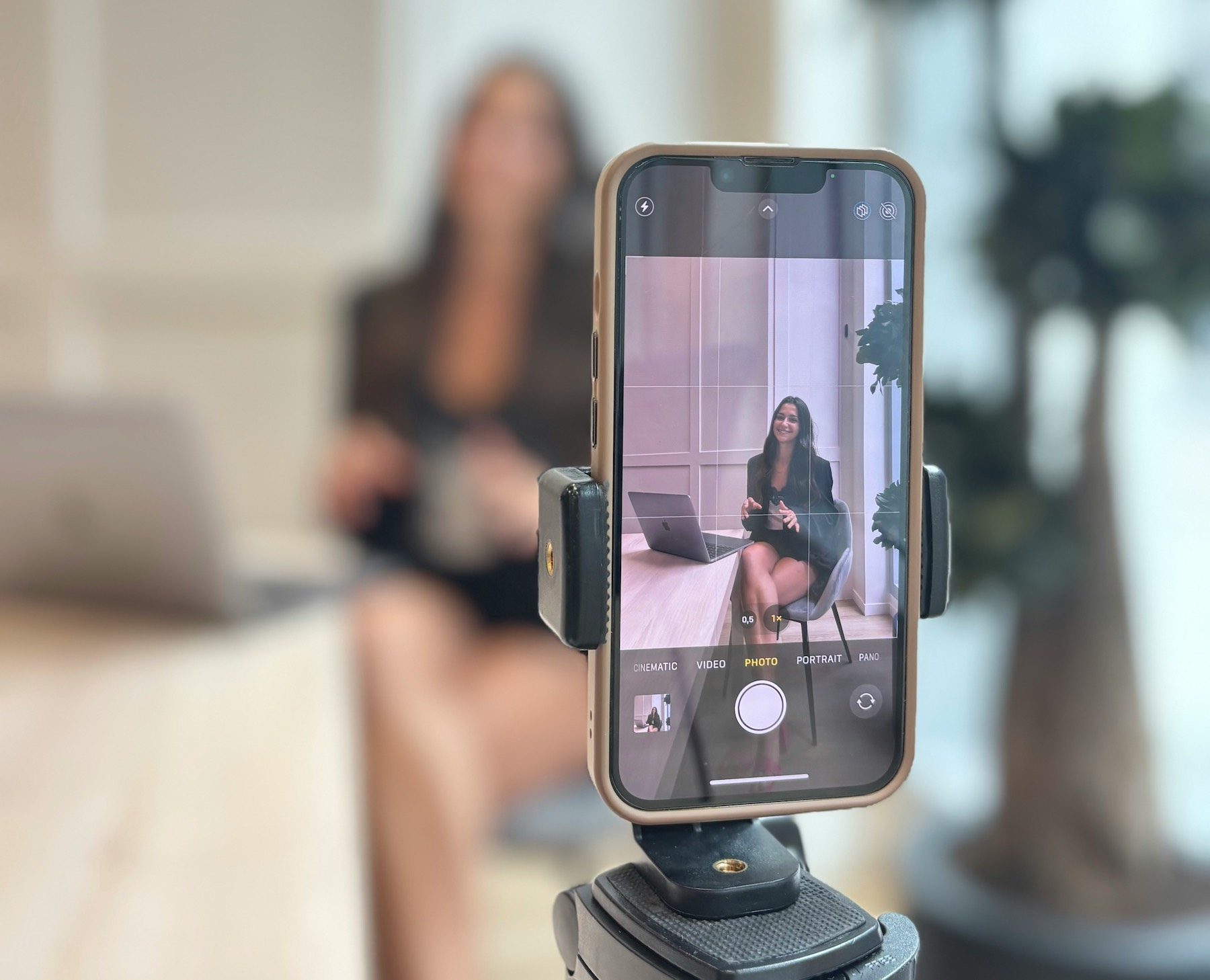
Teleprompter app: A teleprompter app can be extremely useful for recording your intros, outros, and sponsored segments, especially if you plan to record video. You can also use it to keep your timing on schedule and keep your notes handy. Many podcasters load their script or bullet points into a free teleprompter app like Teleprompter Pro to keep their delivery smooth.
Optional extras: If you’re planning on video recording your podcast for YouTube or social media, you might want to invest in a mirrorless camera and a ring light.
Remember – you don’t have to buy all of this stuff brand new. Secondhand gear comes at a much more affordable price and is usually in perfect working order. Some manufacturers sell used or refurbished items that even come with a warranty. Facebook Marketplace, eBay, Wex, and CeX are also great for sourcing secondhand podcasting equipment.
For more tips and gear recommendations, check out our guide on How To Get Great Sound Quality For Your Podcast On A Budget.
Script and plan your podcast episodes
Winging your content is one of the top mistakes new podcasters make. You don’t need to script every word, but a clear outline for each episode will make your content more engaging and easier to edit. Below are some tips for planning and scripting your podcast.
- Outline your episodes: Write out 5-10 episode ideas to ensure you have enough material to sustain your series. List potential titles and some bullet points for each.
- Script key sections: Script your intros, outros, sponsored segments, and calls to action. For the main content, prepare some bullet points rather than a full script (unless you’re producing scripted fiction or a documentary series).
- Create a content calendar: A content calendar can help you stay consistent with your posting. Use it to map out when you’ll research, record, edit, and release each episode to help with your time management and ensure your schedule is realistic. You can download free templates in project management tools like Trello or Notion to streamline this process.
Record your podcast
Now that you’ve got everything planned out, it’s time to hit record! Here are some things you can do to make recording your podcast quicker, easier, and more successful:
Choose the right space
You don’t need to rent a studio to record a professional-sounding podcast. In fact, many successful podcasters record at home!
Look for a quiet room with soft furnishings that can help reduce background noise and echo. Bedrooms or living rooms tend to work well as they’re usually furnished with curtains, carpets, fabric sofas, and blankets.
Be sure to close any windows to keep traffic and neighbourhood noises out, and turn off any noisy appliances like fans and fridges.
If you have the budget, you might want to consider purchasing some acoustic wall panels, but soft furnishings are usually enough.
Set your levels and test
Test your equipment and setup before recording your podcast. Position your microphone about a hand’s width away from your mouth and adjust the gain so that it peaks around -12dB. Then speak as you naturally would and listen back through your headphones.
If you’re recording remotely with a guest, ask them to do the same, and make sure everyone records their audio locally to protect from connection drop-offs.
Be sure to save separate audio tracks for each participant, too – it’ll make editing a lot easier and save you a ton of time!
Keep it comfortable
Recording sessions can be long, especially when working with guests. Take regular breaks to aid your focus and keep your energy up.
When something goes wrong (background noise, you and your guest talk over each other), pause and repeat the line. You can always fix everything up in editing.
Remember that your first few recordings will probably feel a bit awkward. That’s completely normal, but the more you record, the more natural your delivery will become!
Edit your podcast
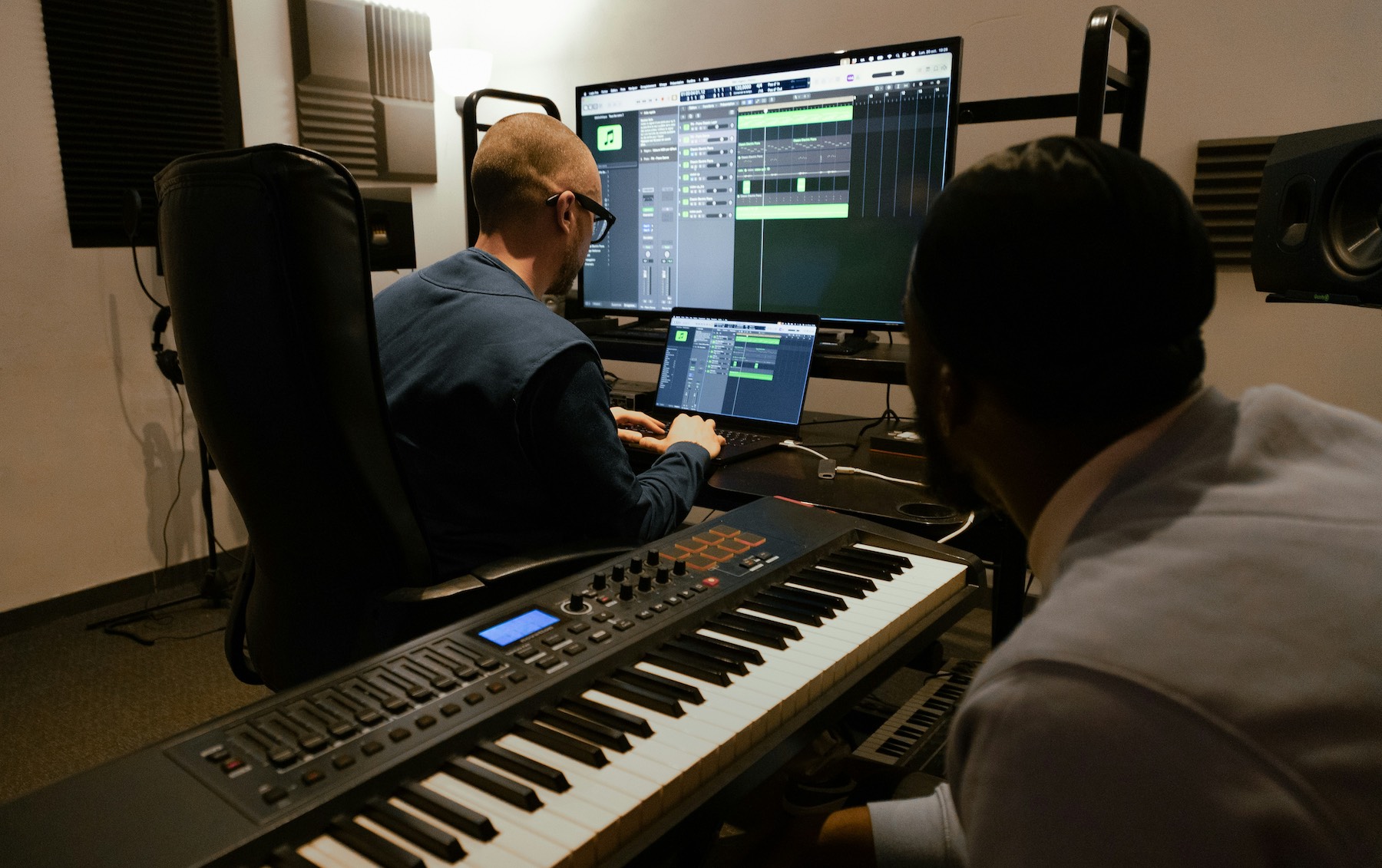
Editing your podcast is really when the magic happens – where you transform raw conversation into a polished episode! It doesn’t need to be overly technical, but it’s where you remove distractions and keep the best bits. Your favourite hour-long podcast? It probably started as two to three hours’ worth of audio.
Here’s how to edit your first podcast series like a pro:
Trim and tidy
Begin your edit by cutting out long pauses, tangents, obvious mistakes, and filler words. You don’t have to remove every ‘um’ or laugh – these small imperfections actually help build a connection with your audience – but try to keep the pace lively.
Balance your audio levels
Listeners will turn off your podcast if they have to constantly adjust the volume. Be sure to listen to your podcast through earphones – as your audience would – to analyse and fix the noise levels.
You can use free AI-powered tools like Auphonic to level loudness, reduce background noise, and balance voices automatically.
Add music and branding
Signature intro music can help listeners recognise your show. You can find simple, royalty-free tracks on sites like Transistor and Pixabay – keep in mind that some sites or content owners may require credit though.
You could also commission a musician to come up with a podcast jingle on sites like Fiverr and Upwork, or even have a shot at creating your own using software like GarageBand.
Resist the urge to over-produce your podcast when it comes to things like sound design. Too many sound effects can be distracting for your listeners, and require a lot more editing time.
Use editing tools
Editing is probably the most time-consuming element of running a podcast, but certain tools can speed up the process. Descript’s text-based editing lets you edit audio like a document, and Auphonic’s automatic levelling and noise reduction can help polish your sound instantly.
Dedicated podcasting software like Riverside also has plenty of built-in AI tools and features that can reduce your editing time. We highly recommend trying Riverside’s free trial, which gives you access to their full suite of editing tools and AI-powered tools.
Upload and distribute your podcast
This stage involves hosting your files, creating show notes, and making sure your podcast is available wherever people listen. Here’s what you need to do to share your podcast with the world:
Choose a hosting platform
A podcast host stores your audio files and generates an RSS feed, which is essential for distributing your show. If you’re looking for a simple, free podcast host, check out Spotify for Creators. Or if you have some budget and want a hosting service with more advanced features, custom branding, and analytics, look at Buzzsprout.
Most hosting platforms will offer analytics, dynamic ad insertion, and easy submission to major directories like Apple Podcasts and Spotify.
Some all-in-one platforms, such as Riverside, offer recording, editing, and hosting in one place. This comes at an extra cost, but many established podcasters swear by all-in-one platforms for their ease of use and time-saving benefits.
Create SEO-friendly show notes
Your show notes aren’t just a place for time stamps and links – they’re also a discovery tool. You’ll want your show notes to include a short summary of the episode, keywords related to your topic, and calls to action e.g. ‘Join our group chat’, ‘follow me on Instagram’.
Google indexes show notes, so you should include searchable words and phrases in the first 120 characters to help new listeners find you.
Many hosting platforms now offer AI-generated show notes. You can use these as a starting point, but it’s good to edit them for clarity and to better reflect your personality and the show’s vibe.
Create your cover art
Cover art is an essential part of distribution – it’s basically your podcast’s album cover, so it’s worth investing some time to make sure it’s attractive.
Your cover art should be a square JPEG or PNG image, and ideally the maximum size of 3000 x 3000px. Try to keep the file under about 500 KB so that it loads quickly on mobile.
Use free graphic design tools like Canva or Adobe Express to create your own cover art from scratch, or customise premade templates. Alternatively, you could hire a graphic designer to create bespoke designs on sites like Fiverr or Upwork.
Submit your podcast to directories
Most hosting platforms will automatically distribute your show to popular directories, but you might need to manually submit to platforms like Apple Podcasts. Each directory will require your podcast name, description, category, and artwork. It may take a few days for your episode to appear, so be sure to upload this before your official launch date!
Promote your podcast
Don’t let all your hard work go to waste by simply publishing and praying – a podcast won’t see any success without promotion. Here’s how to generate momentum and get some ears on your podcast after launching:
Launch day
Plan to release at least three episodes on launch day. This will give listeners multiple opportunities to engage with and get hooked on your content, and show that you’re committed.
You should also create a short trailer (around 30 to 60 seconds) to summarise what your podcast is about. This can be posted on your podcast feed a week or two ahead of the launch, giving directories time to approve your RSS feed and build some anticipation.
Promote your show
You’ll want to start promoting your podcast even before the first episode drops. Here are some of the most popular strategies used by podcasters:
- Social media: Share behind-the-scenes clips and quotes from your podcast on platforms like X, YouTube Shorts, Instagram, and TikTok. If you haven’t recorded your podcast in video, use tools like CapCut to create engaging videos for social media using stock footage or text templates.
- Appear on other podcasts and blogs: Being a guest on other shows in your niche will help introduce you to new audiences. Remember to offer value rather than making it a hard sell – this will inspire trust.
- Contribute in online communities: Join online forums, subreddits, and Facebook Groups related to your niche. Contribute genuinely and share your knowledge to build trust, and only promote your show when it’s relevant and allowed by the group’s rules.
- Email newsletters: If you have a mailing list, use this to announce new episodes, share your show notes, and include exclusive extras like bonus tips or downloadable resources.
- Create a home for your audience: Many podcasters create a space where their audience can connect with each other and give their feedback. Discord, Slack, Private Facebook Groups, and Instagram broadcast channels are all great options.
- Giveaways and contests: Running giveaways and contests is one of the most effective ways to boost your reach quickly. For example, you could offer a free coaching call or product in exchange for reviews or shares.
- Respond to feedback: Ask your listeners to leave comments and reviews, and respond to these in future episodes. Remember to stay flexible with your show in the beginning stages by experimenting with new formats and segments, and see what your audience likes best.